Silk Bank ATMIn-house, Silk Bank
One clear flow for every Silk Bank ATM, live on 10 machines across Georgia
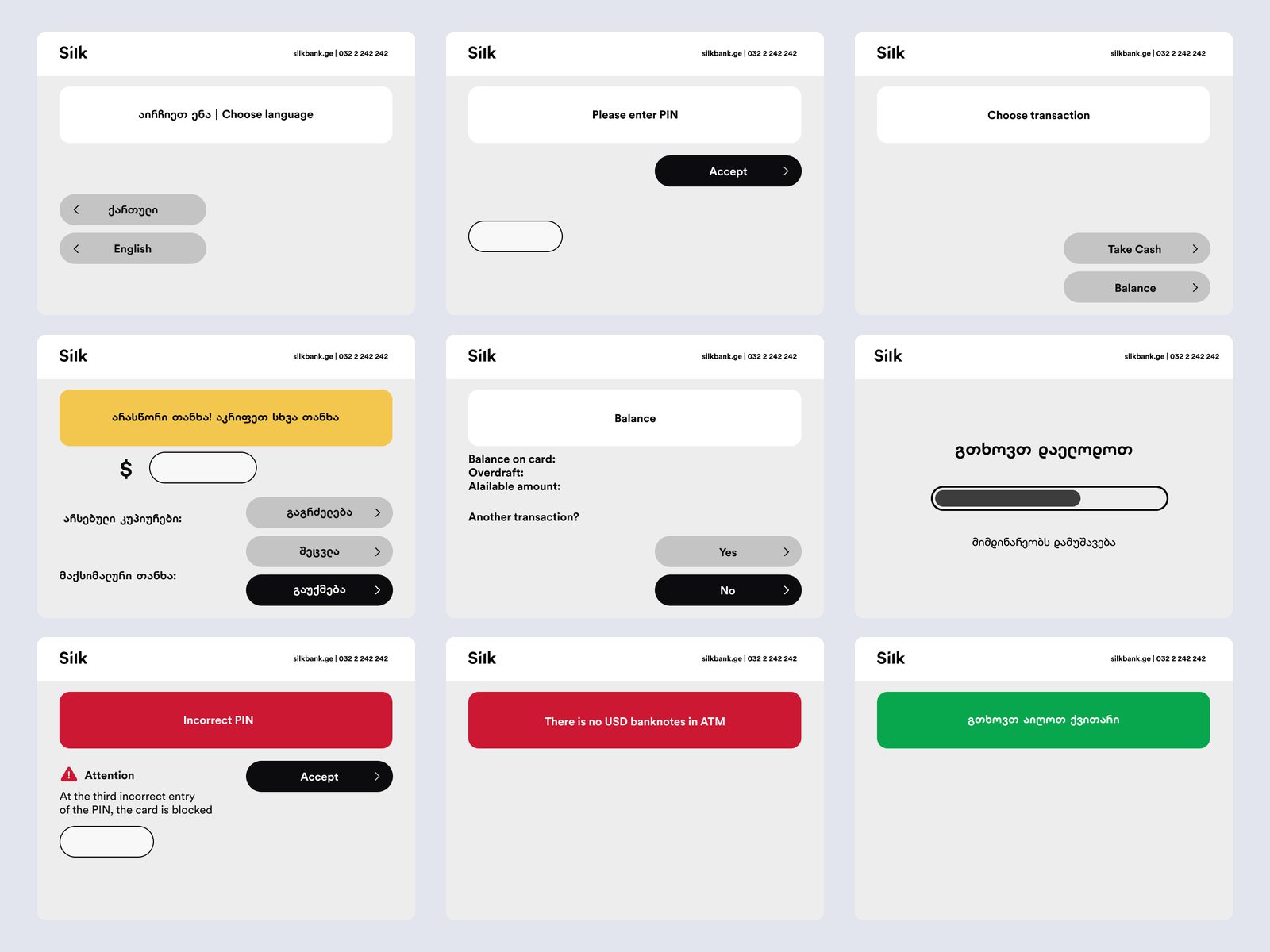
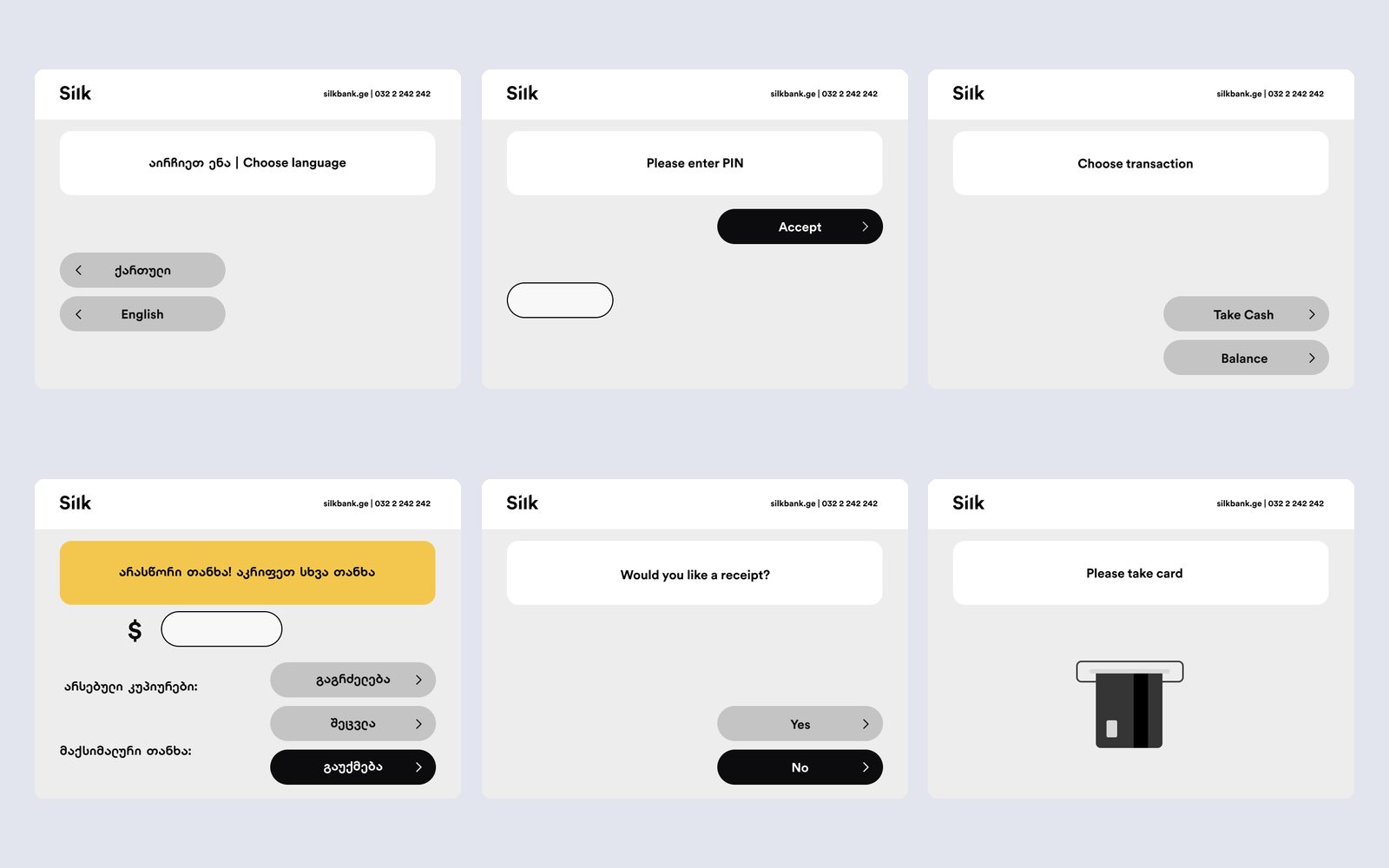
Every screen from choosing a language to taking your card, and every way it can go wrong in between, in Georgian and English. Below, the whole flow runs as a playable ATM.
Role
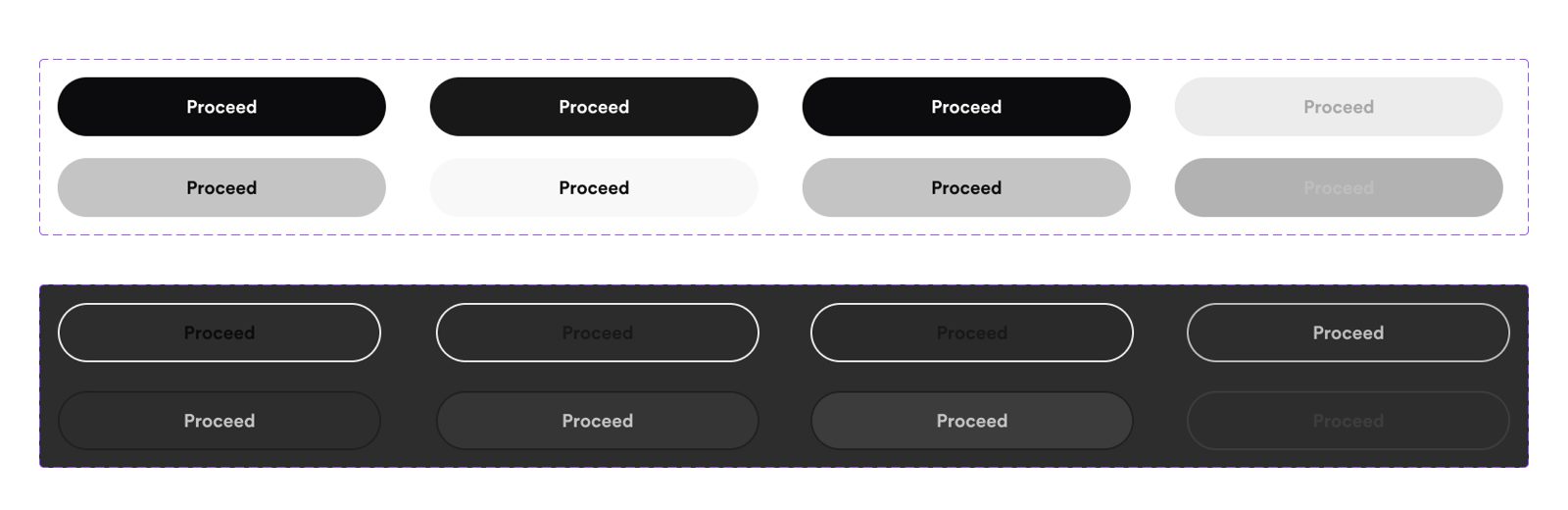
UX and UI of the user flow: screens, states, error handling and the button system.
Team
The bank’s product and operations teams
Timeline
One month
Platform
ATM touch screens, Georgian and English
The challenge
People use an ATM standing up, in a hurry, often in bright light and sometimes worried about their money. Each step has to be readable in a second, and every error has to say what happened and what to do next.
Key decisions
One decision per screen.
Each screen asks one question, and the answers always sit in the same place, so people know where to tap.
Colour signals the message type.
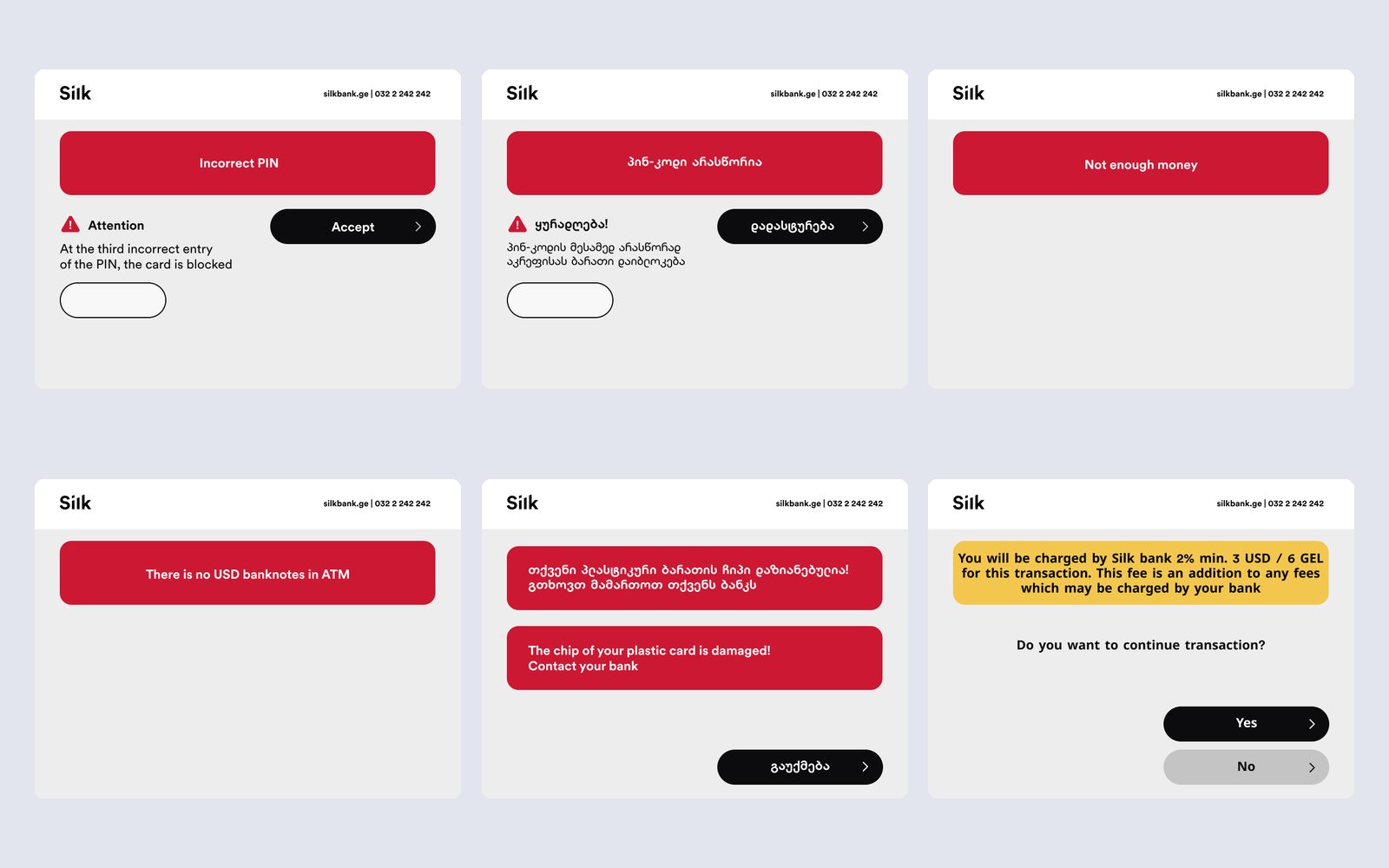
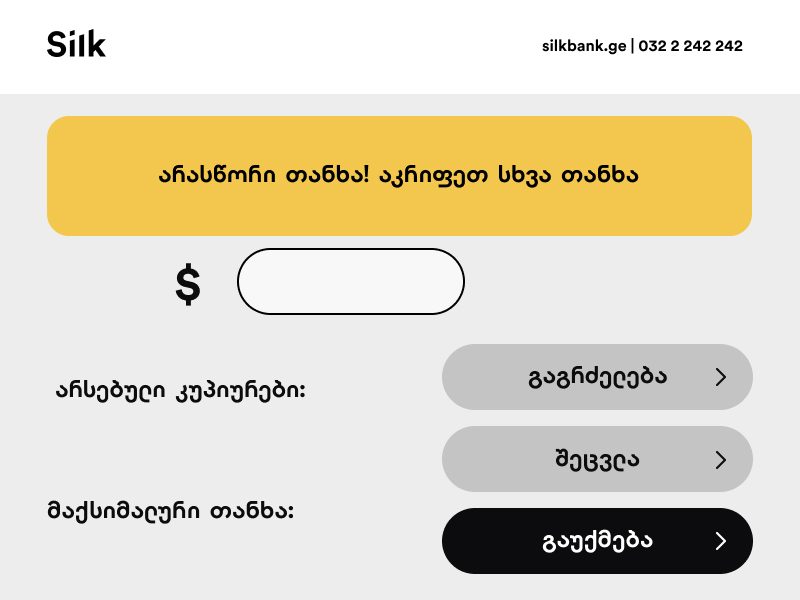
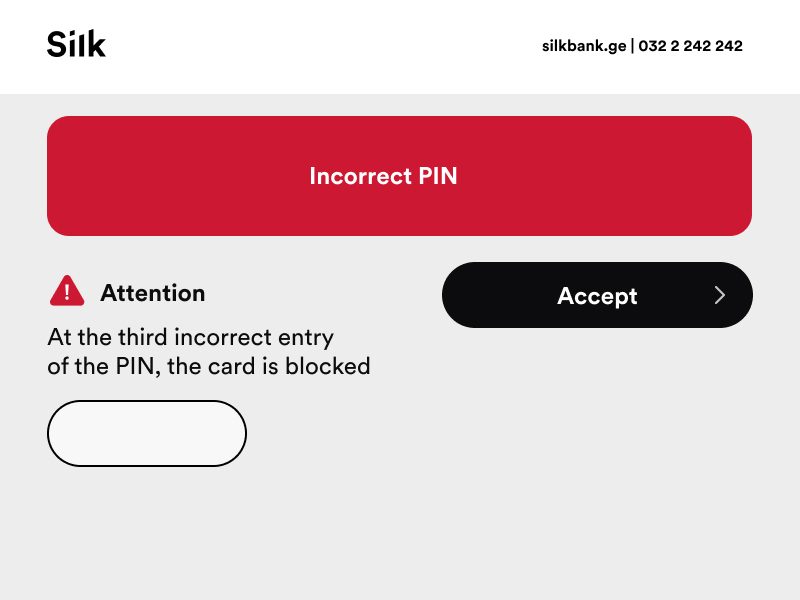
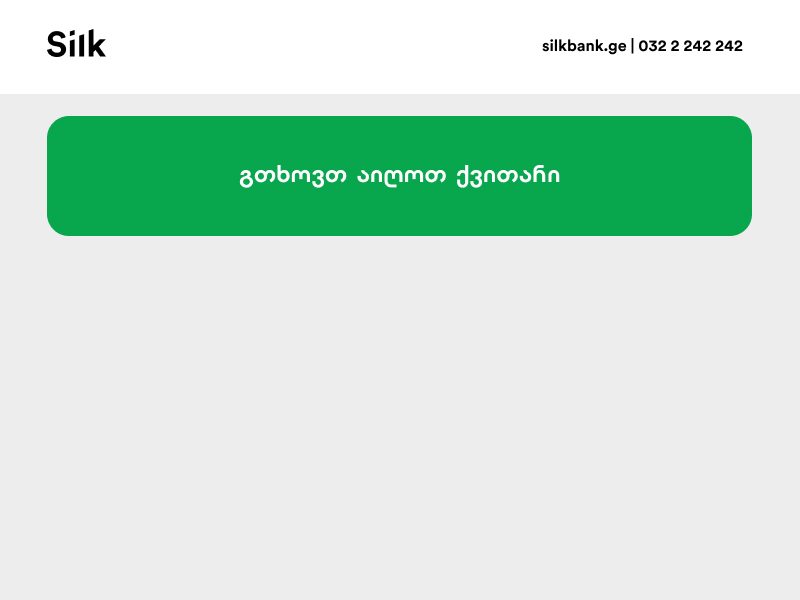
Yellow for notices, red for errors, green for success, so the type of message is clear before you read it.
Errors that tell you what to do.
Wrong PIN, not enough money, no banknotes in that currency, a damaged card chip: each names the problem and offers the next step. Before the session ends, the ATM asks if you need more time.
Fees shown up front.
Any transaction with a fee shows the fee first and asks you to continue.
Play the ATM
Built in code from the Figma file, in English and Georgian. Insert a card, type the PIN from the sticky note on the keypad or your keyboard, and try to find every path, including the ones that go wrong. Sample account, no real money.
On the counter
Tap a card to insert it.
Find every path 0 / 8
All eight found. That is every main path in the flow, and most of the ways it can go wrong.
Last receipt
No receipts yet.
The work